System Center
System Center is used to view the operating status and basic information of energy storage systems.
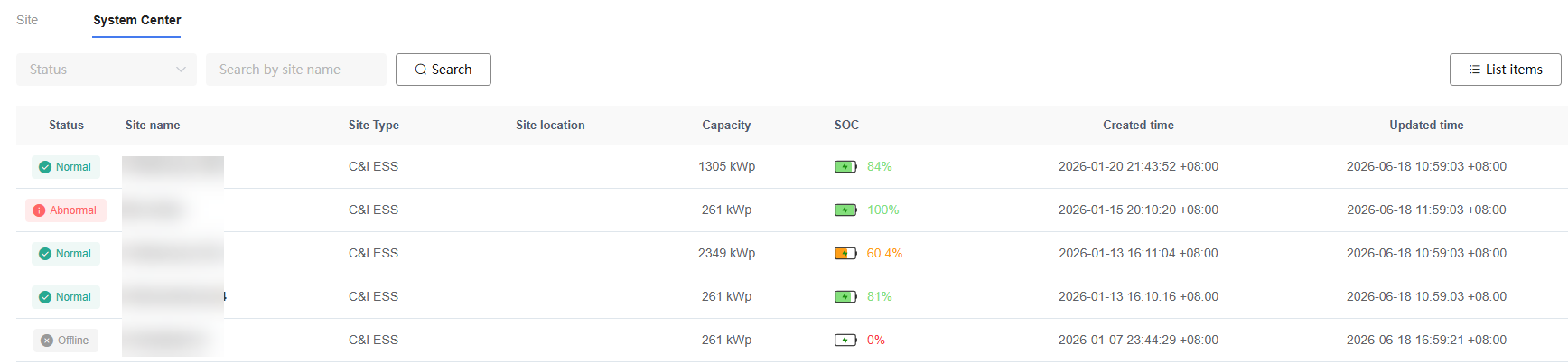
The System Center list displays information including status, Site name, Site type, Site location, installed capacity, SOC, creation time, and update time.
You can filter by status or enter a Site name to search.
Click the Site name to enter the corresponding EMS system for monitoring and management.
TIP
System Center only displays commercial & industrial energy storage and utility-scale energy storage systems that are connected to the EMS system. The actual range of viewable systems depends on the current account permissions.