Generate Operation Reports
Generate Site Report
The Site Report is used to compile the operating status and performance data of a Site within a specified time range.
After the Site Report is generated, you can download PDF and Excel files.
Steps:
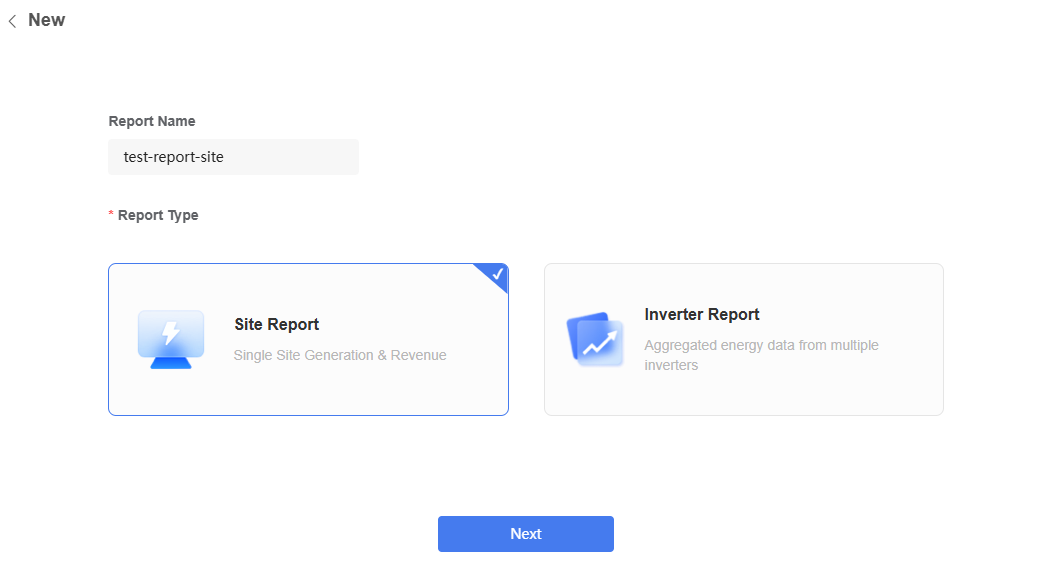
- Click "Create".

Select "Site Report".
Enter the report name.
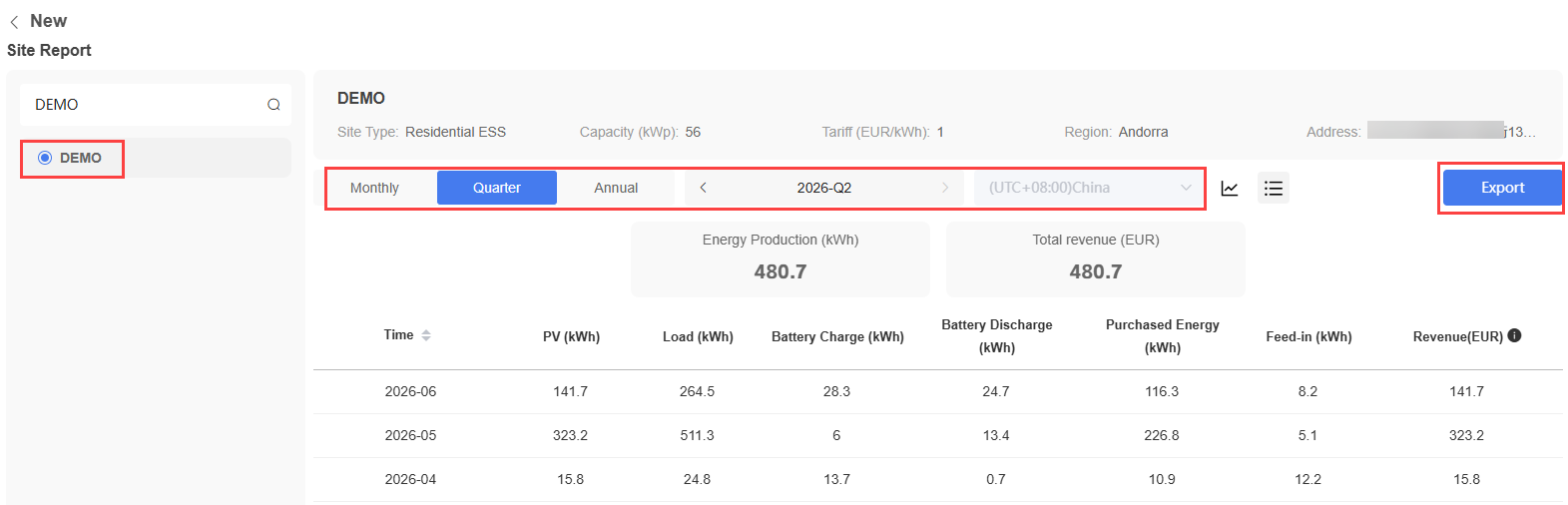
Select the Site.
Select the statistics period and time zone.
Click "Export".
Generate Inverter Report
The Inverter Report is used to compile the operating status and performance data of Inverters within a specified time range. The Inverter Report can aggregate Energy data from multiple Inverters to generate a report. After the Inverter Report is generated, you can download an Excel file.
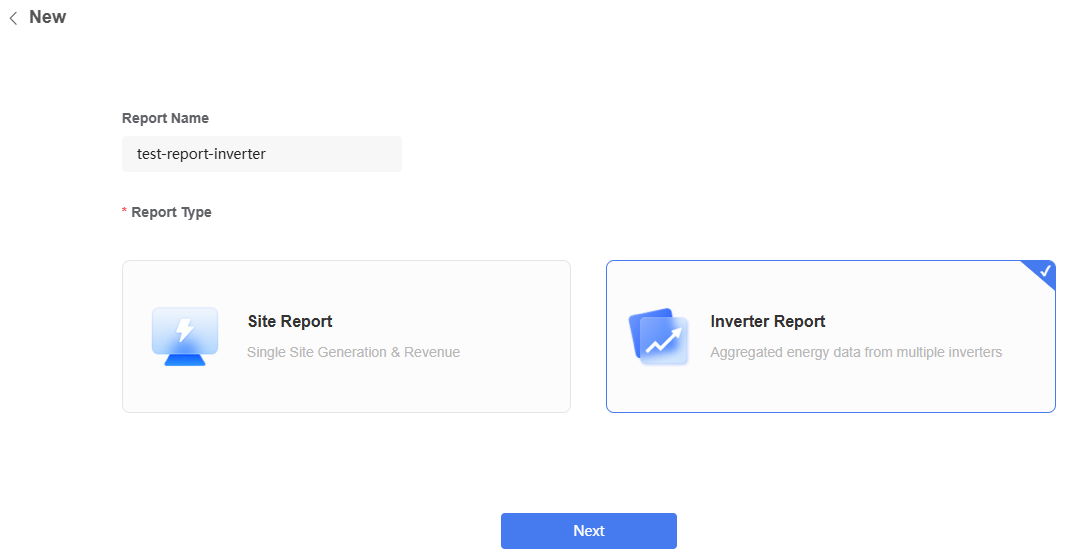
Click "Create".
Select "Inverter Report".
Enter the report name.
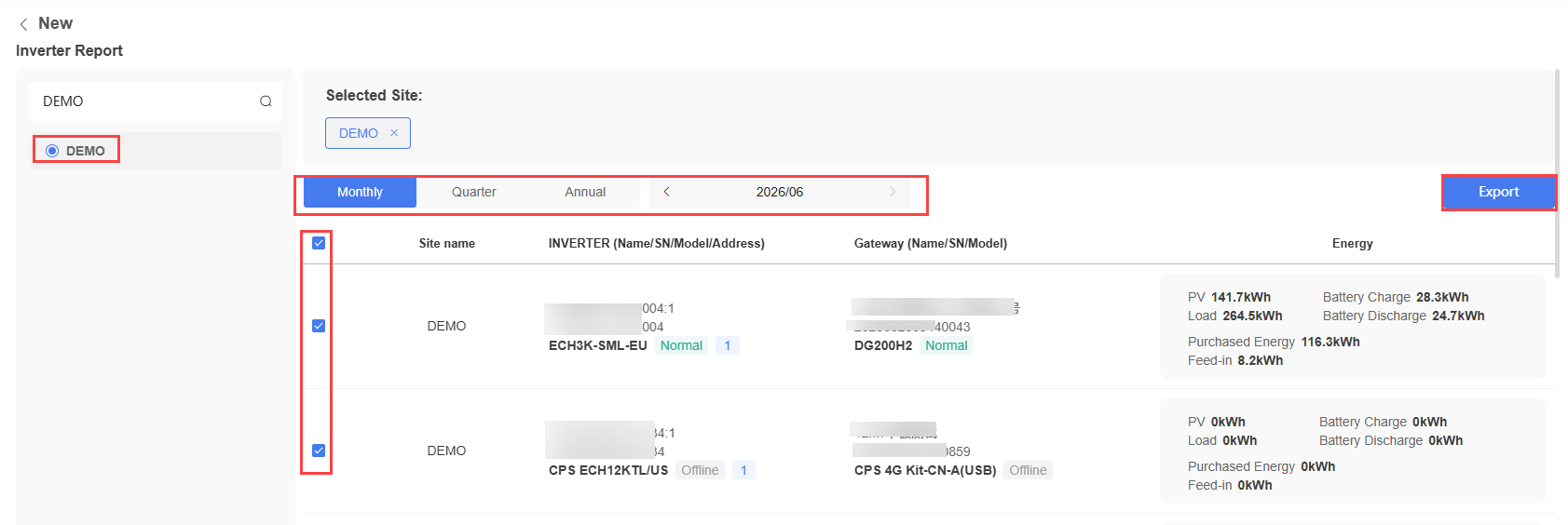
Select the Site.
Select the Inverters.
Select the statistics period and time zone.
Click "Export".
The system creates a report generation task.