Introductions to the process of signing up a MatriCloud account for distributor/installer/owner user.
Owner User Sign up
Suitable crowd:users who own or have already owned their own sites.
Method for signing up:contact the distributor/installer to sign up
Distributor/Installer Sign up
Suitable crowd:users who provide the owner with services such as site construction, operation and maintenance.
Methods for signing up: 1)self-registration;2)contact the superior merchant for registration assistance;
Self-registration process:
1.Enter the specified website https://icloud.chintpower.comopen in new window in the address bar of the browser to enter the login page.
- Click Sign Up Now,to enter the registration page.
3.Select your account type
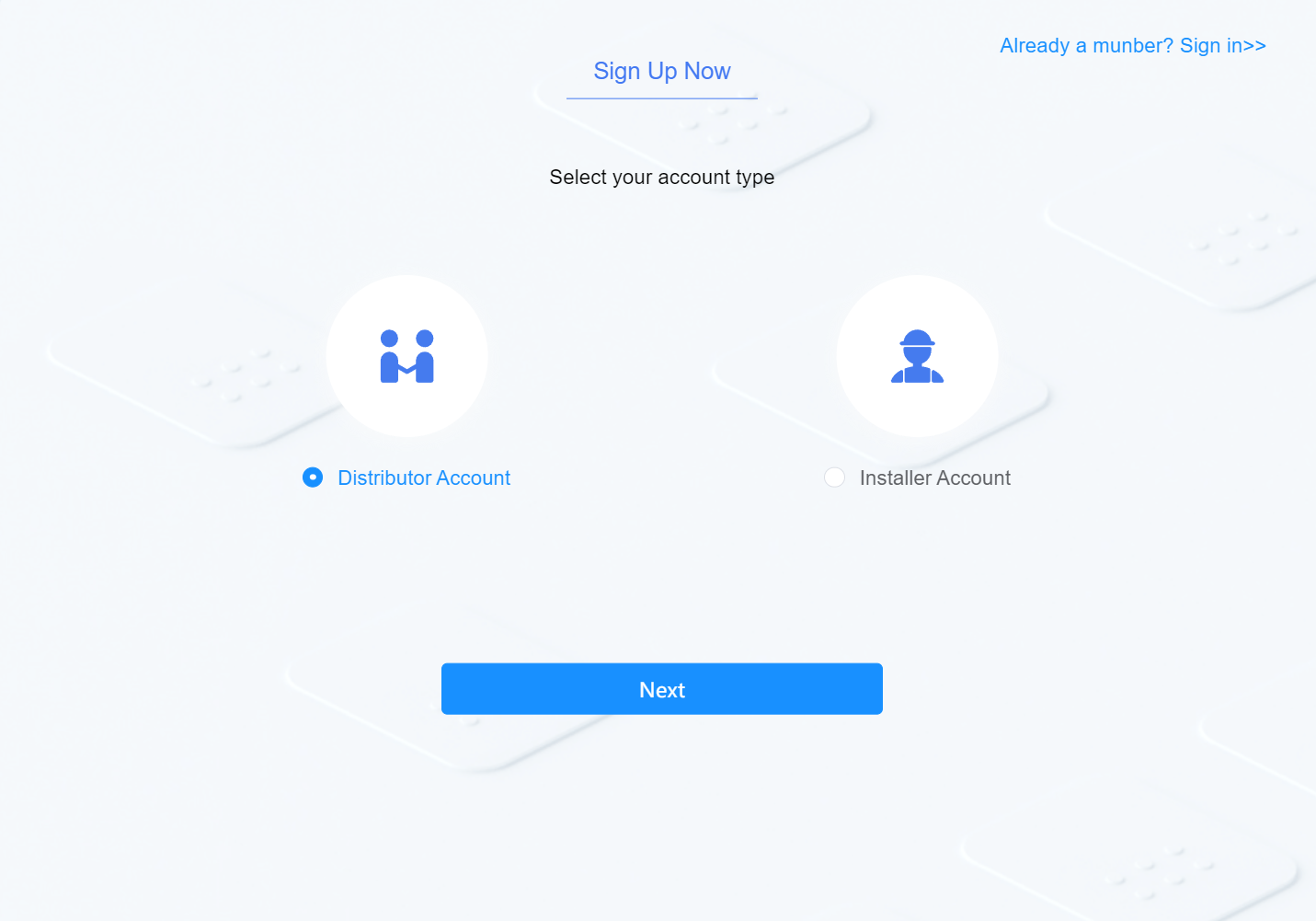
4.Click Next to fill in your registration information
| Contents to Fill in | Description |
|---|---|
| Company name | |
| Phone number | Area code is required for mobile phone number |
| Password | The password is a combination of 8-30 digits, letters or symbols. |
| Confirm password | Keep it consistent with the password entered |
| Verification Code | After entering the mobile phone number, click Send and enter the verification code received. |
| Manufacturer No./Distributor No. | Organization code of superior service provider. It can be obtained by contacting your superior service provider. After filling in, your superior service provider can browse and manage the site you manage |
- Agree to the Privacy Policy, and click to complete the registration.